The problem
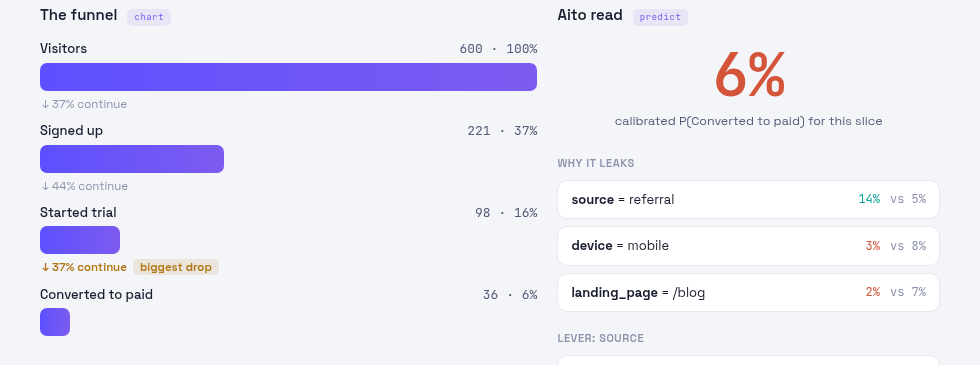
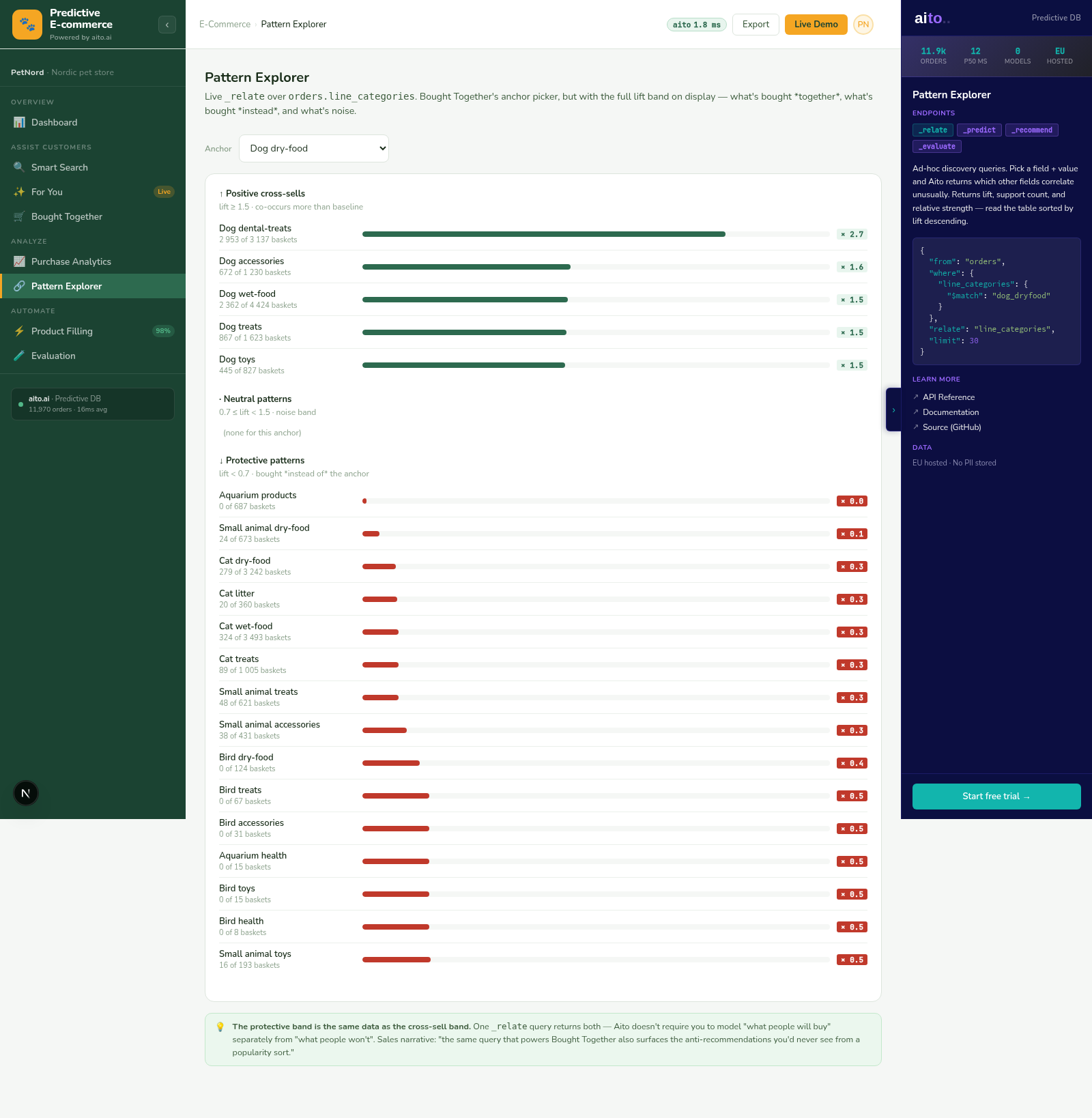
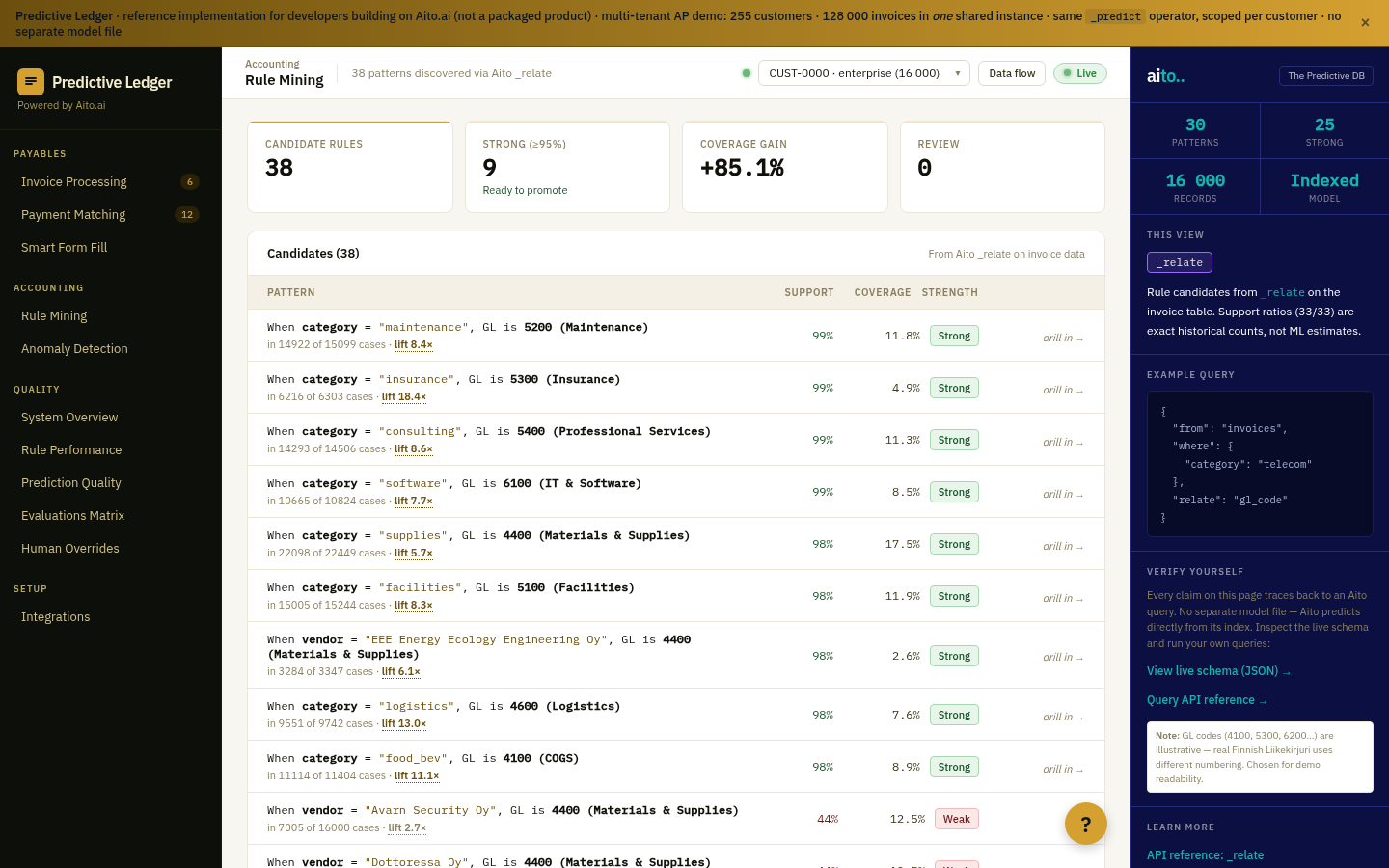
Ad-hoc segment analysis usually waits for someone to build the cube. The slices the cube was built for answer fast; the slice the analyst actually wants next does not exist yet.
Thin slices bring a second problem. A raw rate over a few dozen rows looks as solid as one over thousands, and a dashboard that shows only the rate invites a decision the data cannot support.
How it works
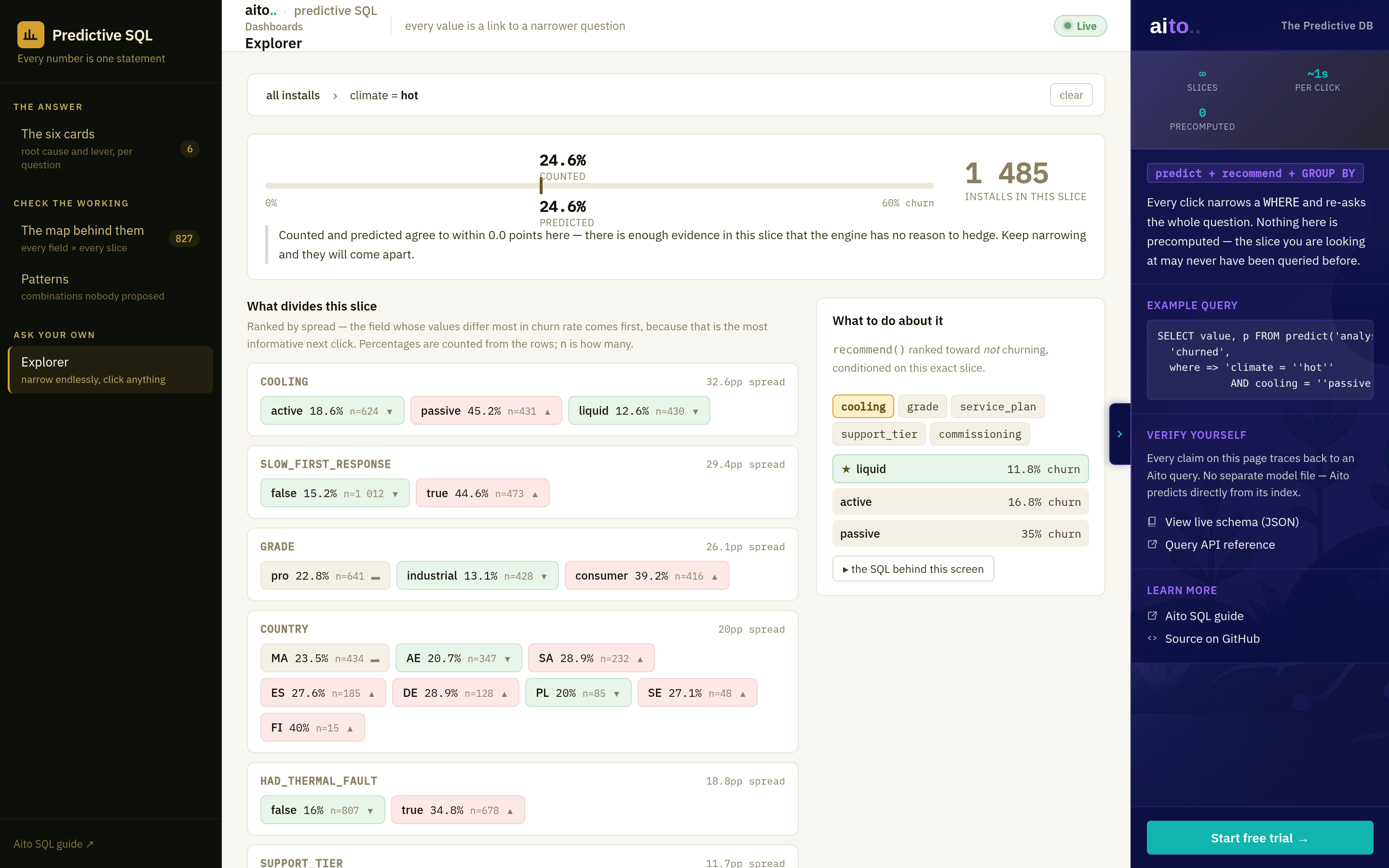
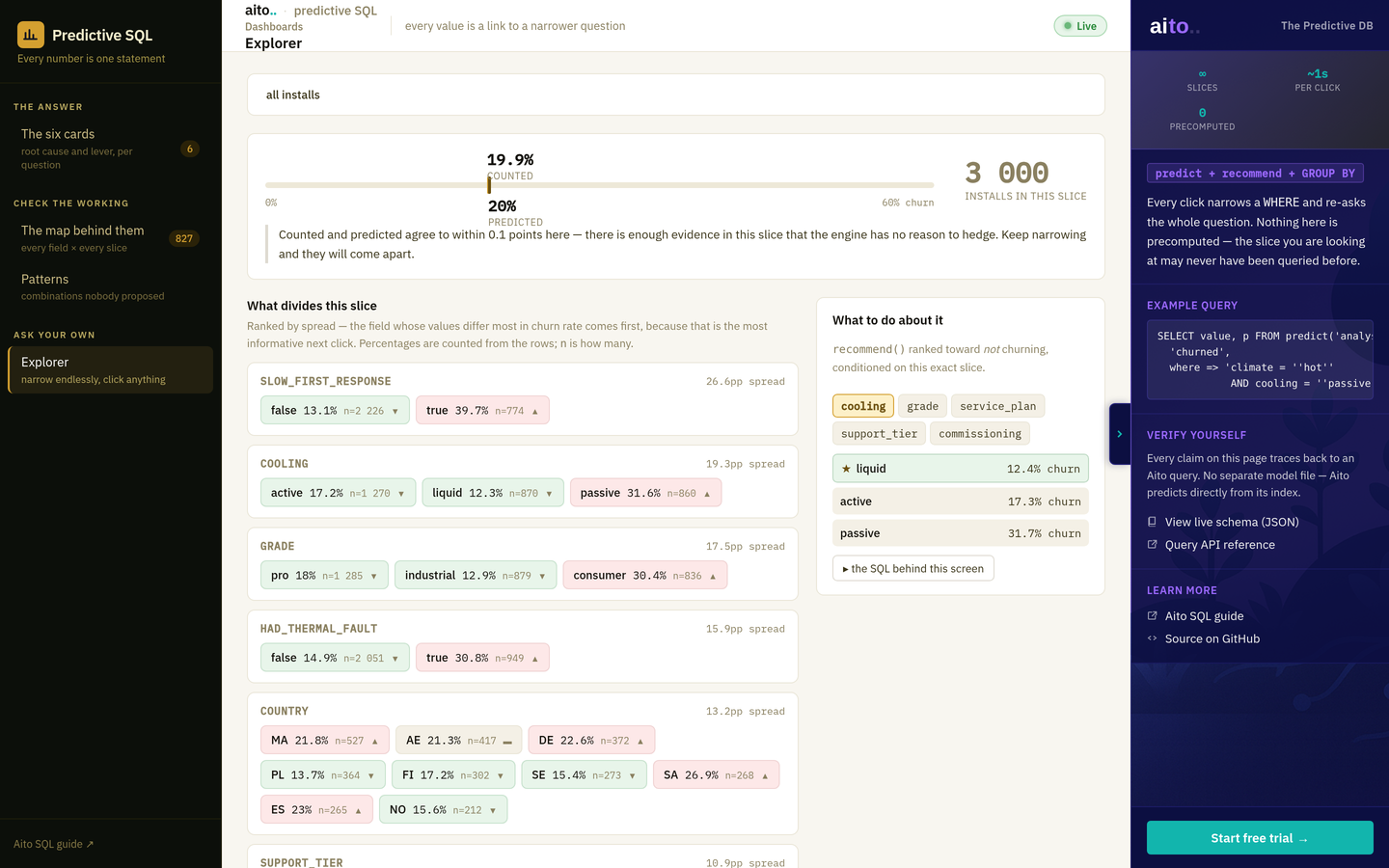
The breadcrumb is the WHERE clause. Each click narrows it, and three kinds of statement re-run on the new slice: predict() for the calibrated outcome rate, recommend() with the slice as its condition for the levers the business can change, and a GROUP BY count for the raw rates of every value.
The engine and the counts can disagree on a thin slice, and the page shows both. The prediction shrinks toward the base rate when the evidence is thin, which is the calibration working, not a bug.
For the full architecture, see the technology overview. For the broader narrative across multiple use cases, read The Predictive Application.
See it live
This use case runs in the 🐘 SQL demo today. Click through to the live application and inspect the queries that produce the result.