The problem
Leadership questions about the business ("why is churn up in this segment, and what do we do?") cross every table: customers, deals, tickets, usage, invoices. An LLM can hold the conversation but cannot compute the answer, and a SQL bot can count rows but cannot say which action moves the number.
How it works
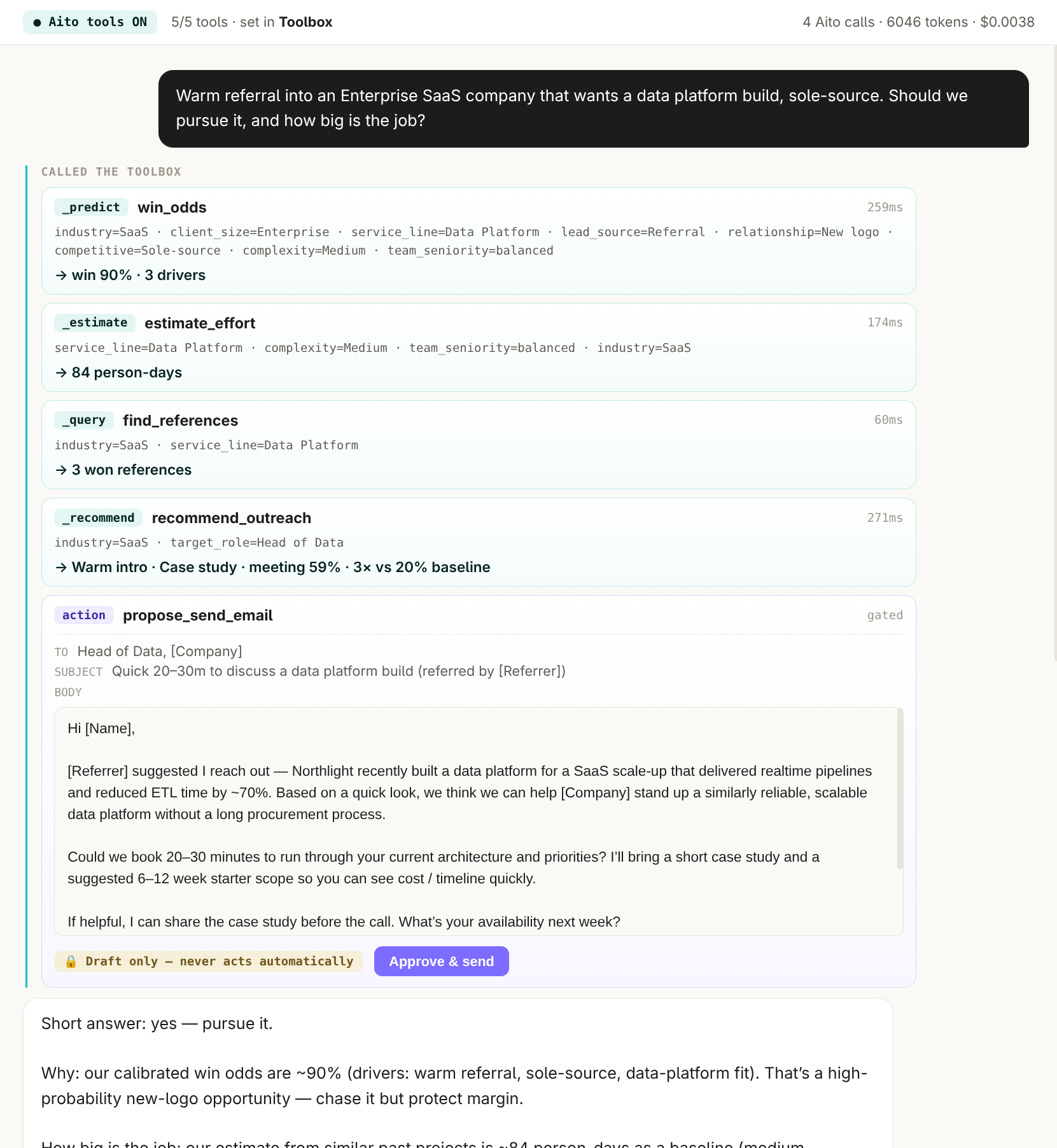
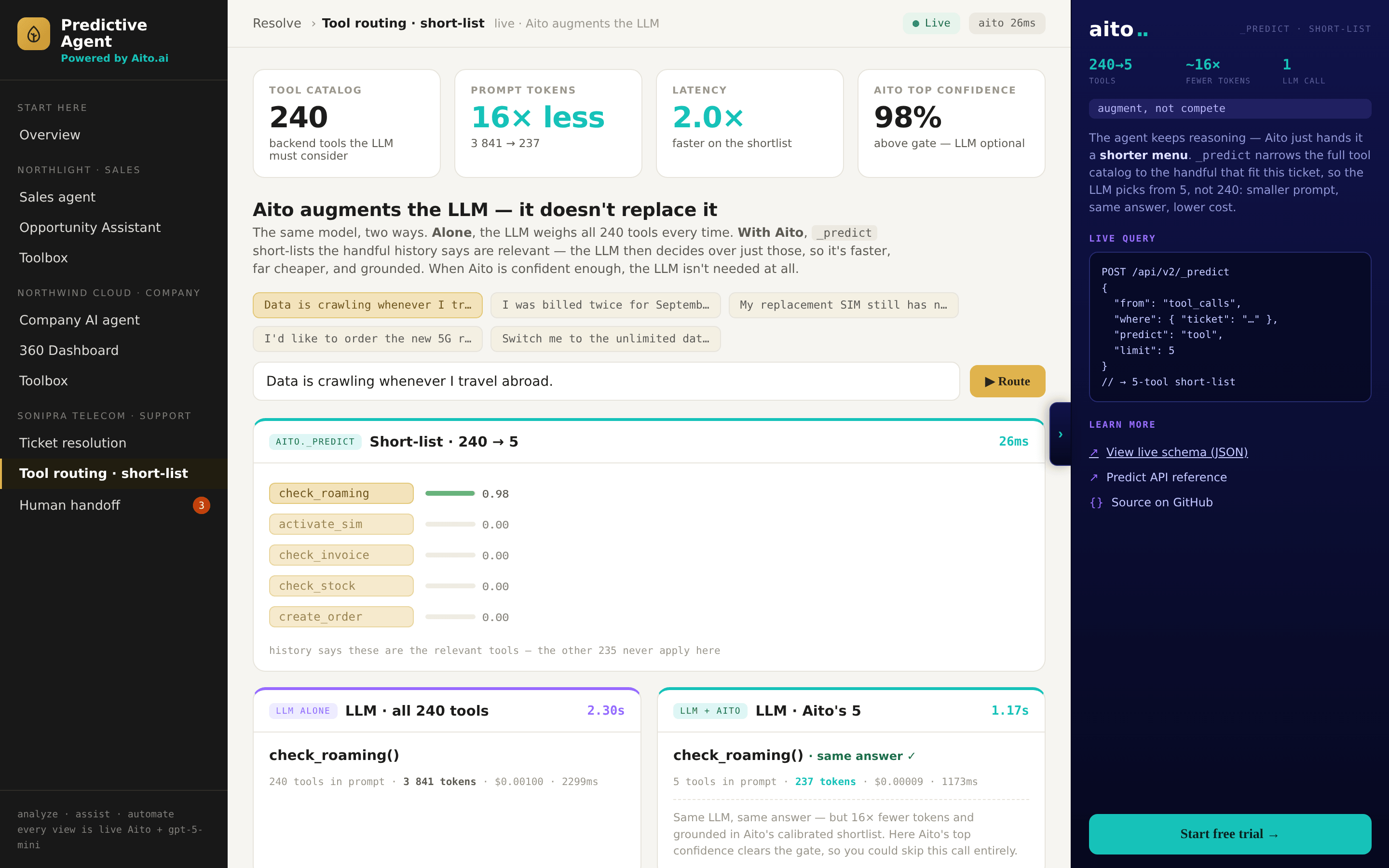
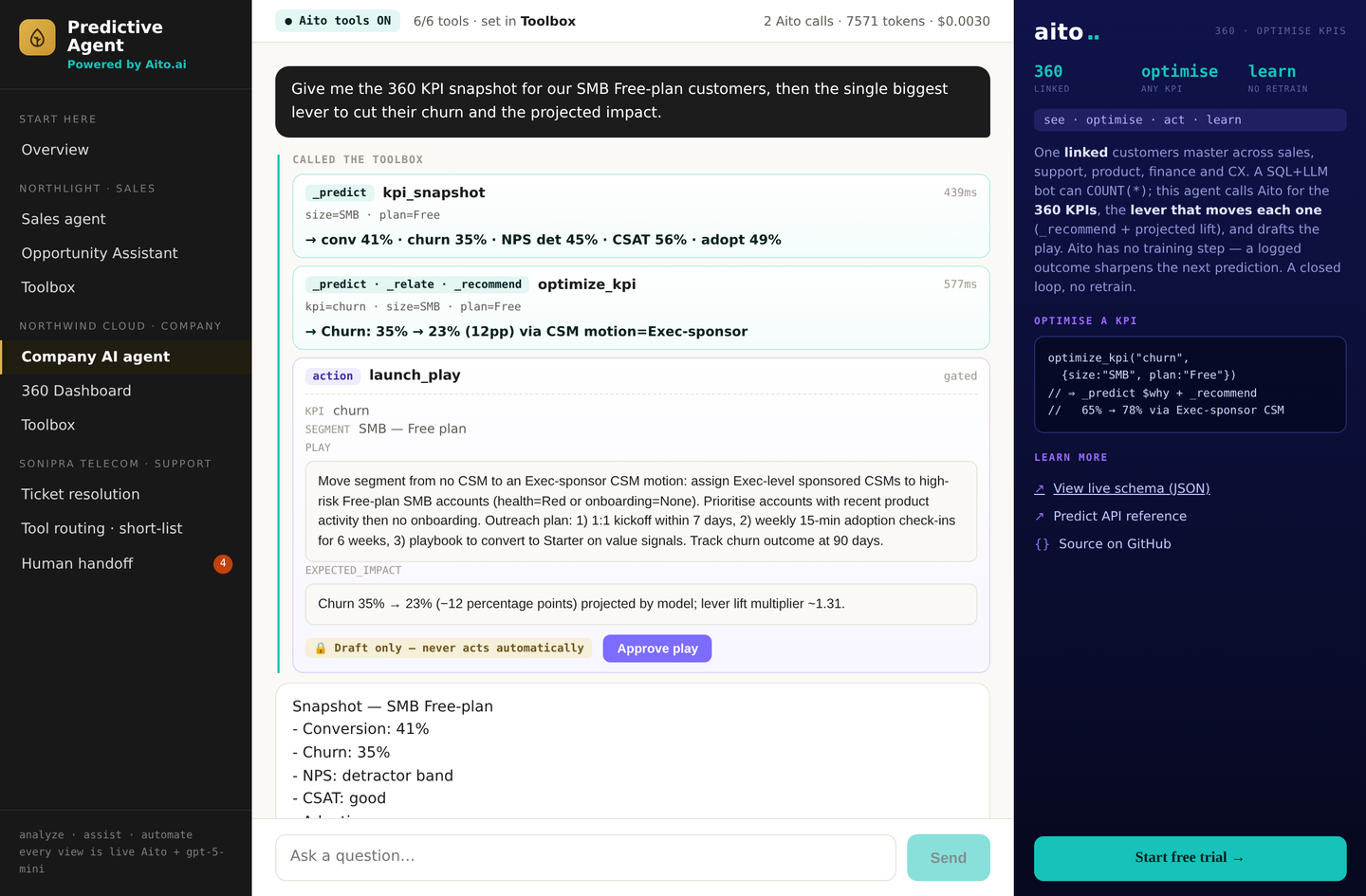
The agent's tools are Aito queries. A KPI snapshot is a set of _predict calls; optimising a KPI chains _predict with $why, _relate for the drivers, and _recommend for the lever, then reads the KPI among customers who already have it, as an association, not a promise. Customer lookups and examples are _query, and revenue estimates are _estimate. The LLM chooses the tools and writes the answer.
Acting is separate from answering: the agent can draft a play, but launching it waits for a person to approve.
For the full architecture, see the technology overview. For the broader narrative across multiple use cases, read The Predictive Application.
See it live
This use case runs in the 🤖 Agent demo today. Click through to the live application and inspect the queries that produce the result.
Build it with Claude Code
Paste this prompt into Claude Code, or another coding agent, in your own codebase. It runs Aito locally from the Docker image, reads the API docs written for agents, and follows a working reference implementation.
Add company copilot to this codebase using Aito, a predictive database. The feature: give our LLM agent Aito queries over our linked customer data as tools, so it reads KPIs, explains them, recommends the lever, and drafts a play that a person approves.

1. Run Aito locally: `docker pull ghcr.io/aitohq/aito`, then follow https://aito.ai/docker/ to start it with your own API keys (keep them in the environment, never in code).
2. Read https://aito.ai/docs/api/llms.txt for the v2 query shapes before writing any query.
3. Read the use-case guide: https://aito.ai/use-cases/company-copilot/
4. Use this reference implementation as the pattern (schema, data load and queries): https://github.com/AitoDotAI/aito-agent-demo/blob/main/src/company_agent.py and https://github.com/AitoDotAI/aito-agent-demo/blob/main/src/app.py
5. Find the matching tables in this codebase, design the Aito schema for them (links between tables where we have foreign keys), and load a sample.
6. Measure before wiring the agent: hold out recent rows and report how well the numbers its tools return match what actually happened.
7. Have the agent show the confidence and the reasons behind each number it uses, and draft actions for a person to approve. It never acts on its own.

Ask me before changing anything outside the new feature.