The problem
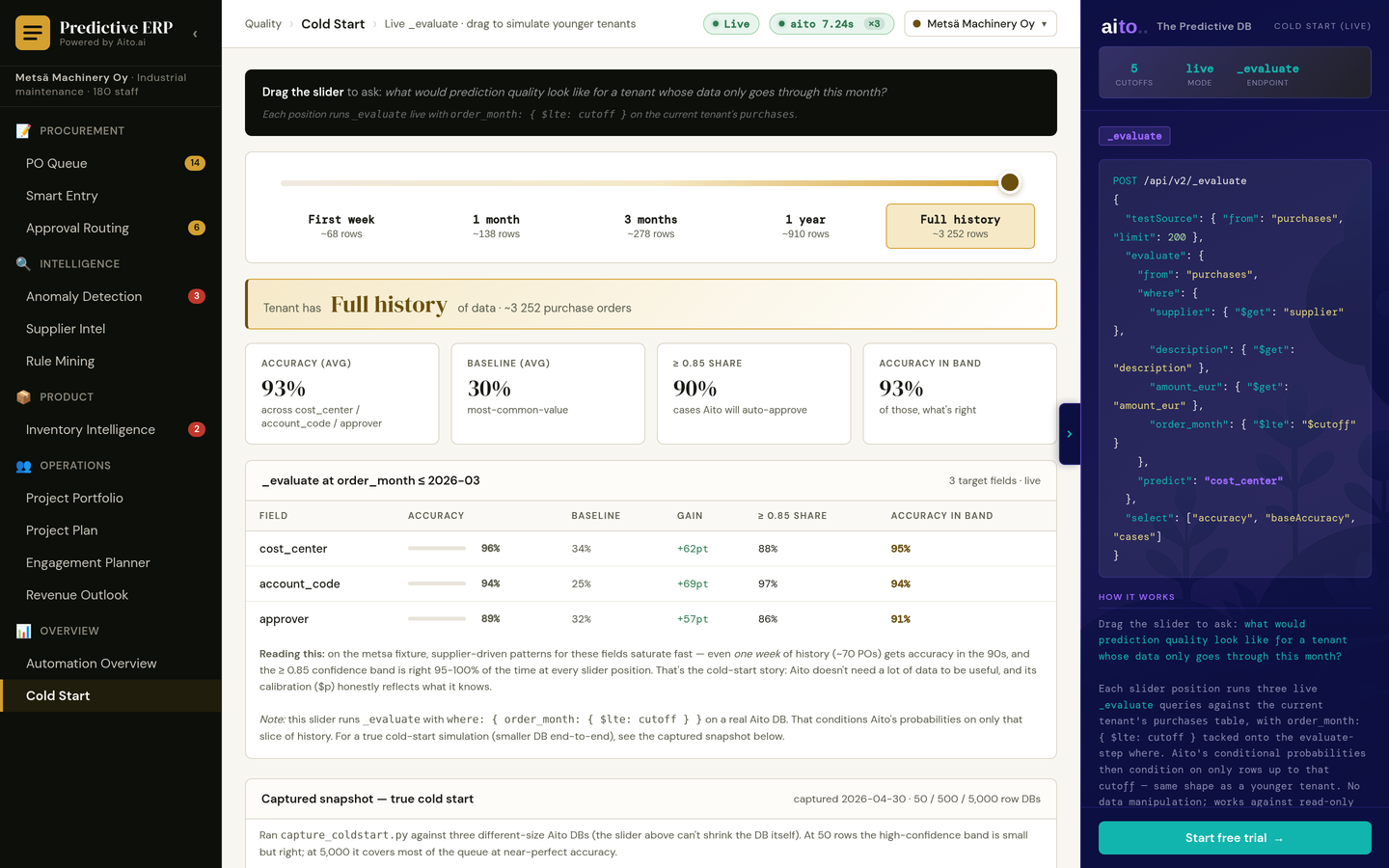
The first question from a new customer is how much history they need before the predictions are worth using. A demo that runs on years of data cannot answer it, and a vendor's promise is not an answer either.
The question has a measurable answer per field. Some fields are predictable from a few weeks of data; others need months. Knowing which is which decides what to automate on day one and what to keep in review.
How it works
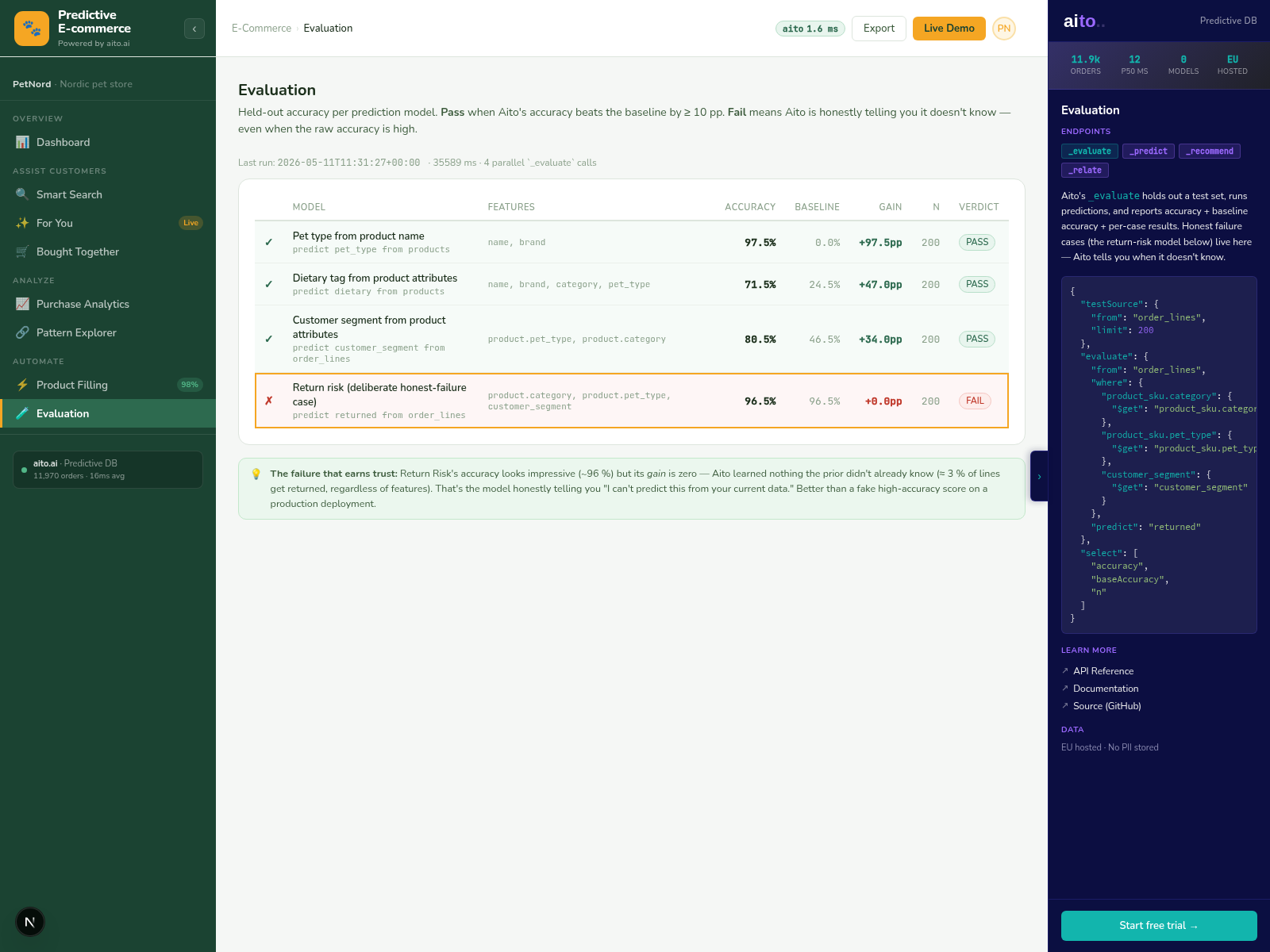
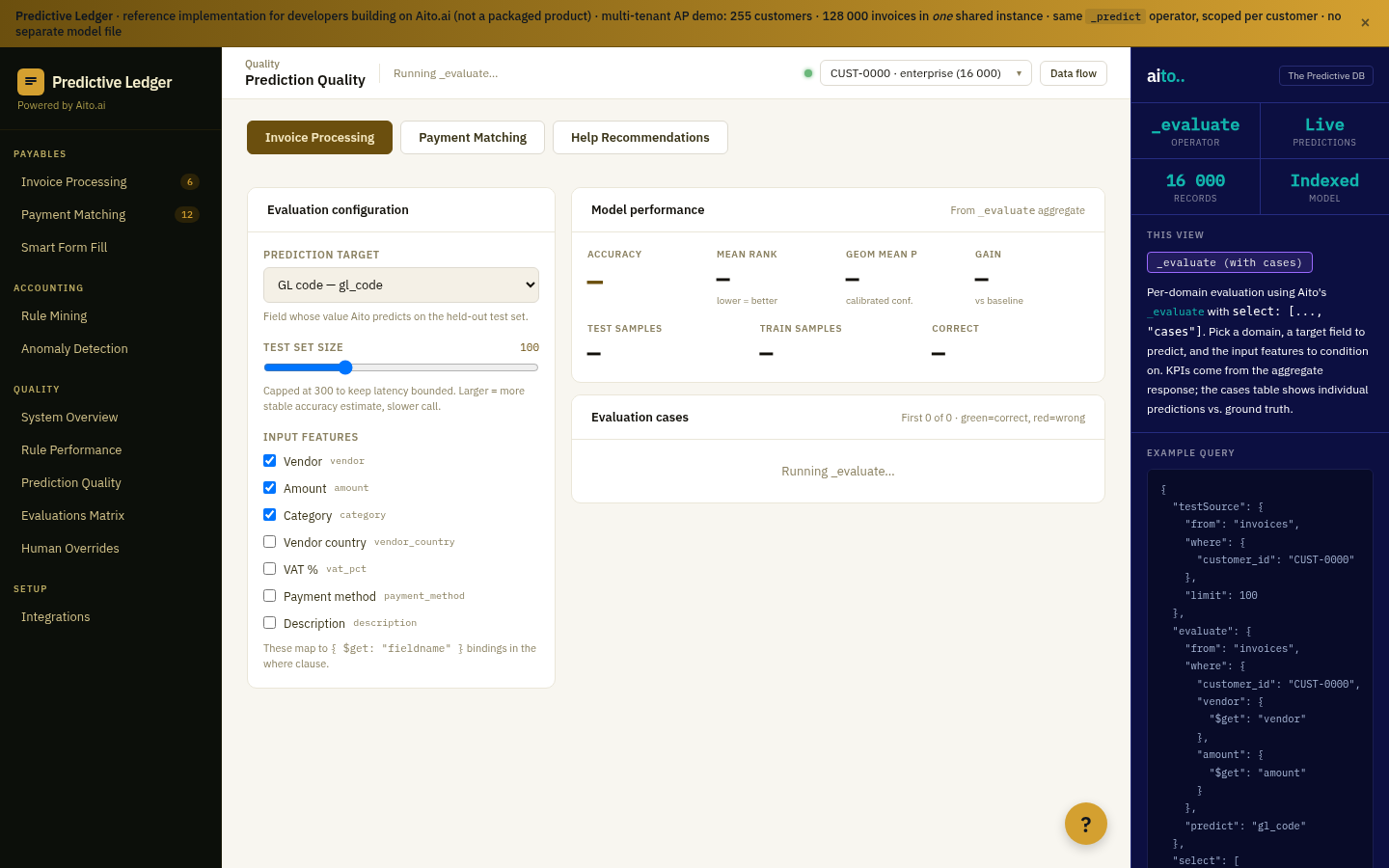
_evaluate holds out part of the tenant's own history and predicts it from the rest, so the answer is "what would this tenant get today, with the data it has?" Because the evaluation is a query rather than a training run, it can be rerun whenever the history grows.
The same check runs in a real onboarding: evaluate on the history the customer has, and start automation on the fields that already clear the bar.
{
  "testSource": {
    "from": "purchases",
    "limit": 200
  },
  "evaluate": {
    "from": "purchases",
    "where": {
      "supplier": { "$get": "supplier" },
      "description": { "$get": "description" },
      "amount_eur": { "$get": "amount_eur" }
    },
    "predict": "cost_center"
  },
  "select": ["accuracy", "baseAccuracy", "cases"]
}
For the full architecture, see the technology overview. For the broader narrative across multiple use cases, read The Predictive Application.
See it live
This use case runs in the 📋 ERP demo today. Click through to the live application and inspect the queries that produce the result.