The problem
A checkout page has one chance to raise the order value, and it has to decide from the whole basket, not from one product. Product-to-product "bought together" lists answer a narrower question; the basket as a whole is the better signal of what the shopper is missing.
How it works
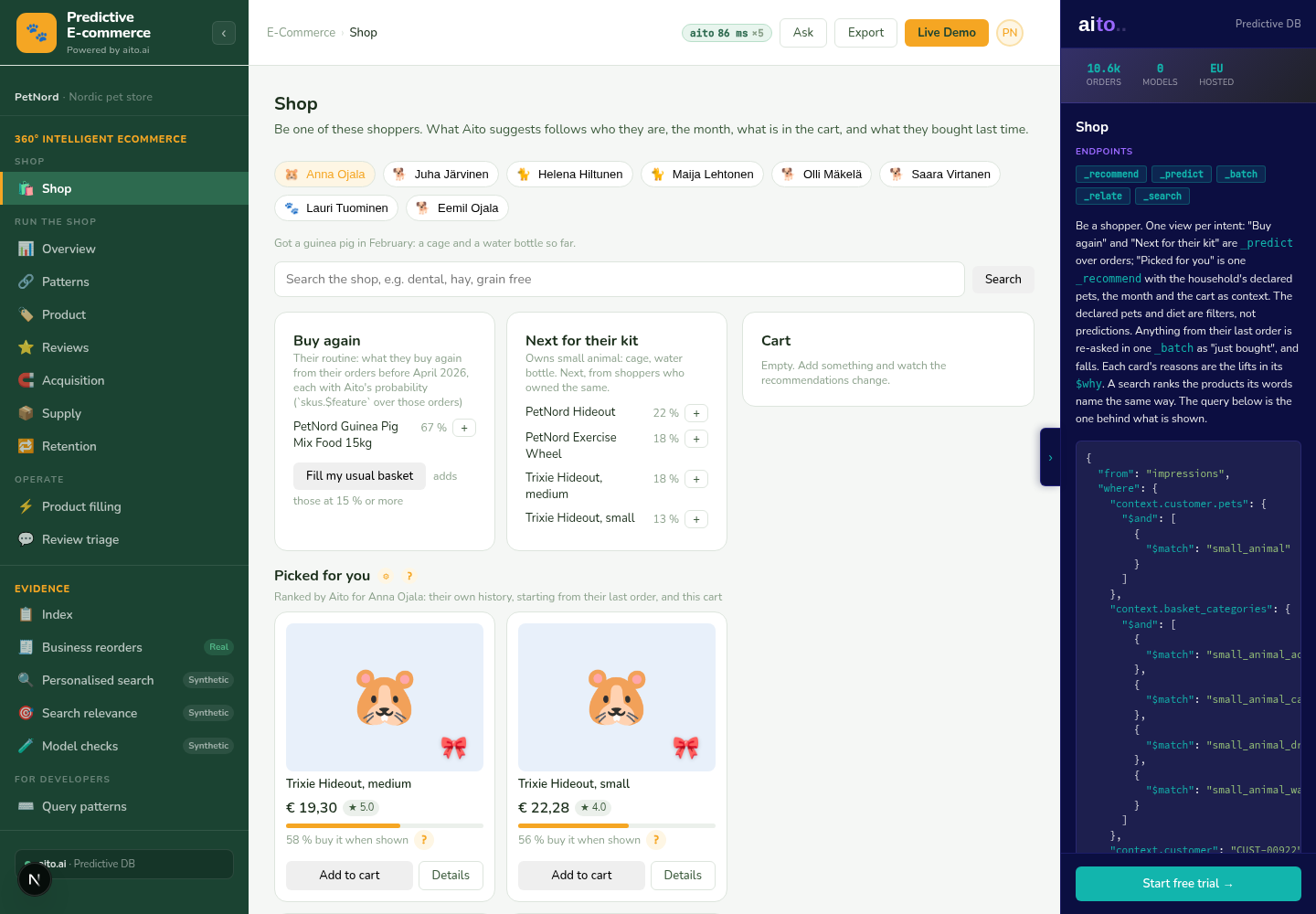
The basket's categories go into the where clause as context.basket_categories, together with the categories of the shopper's last order, and _recommend over past impressions ranks the products by the chance this shopper buys them when shown. The cart's own items are left out. The $why names what lifted each product, and a product the cart lifts is shown with "Goes with your cart".
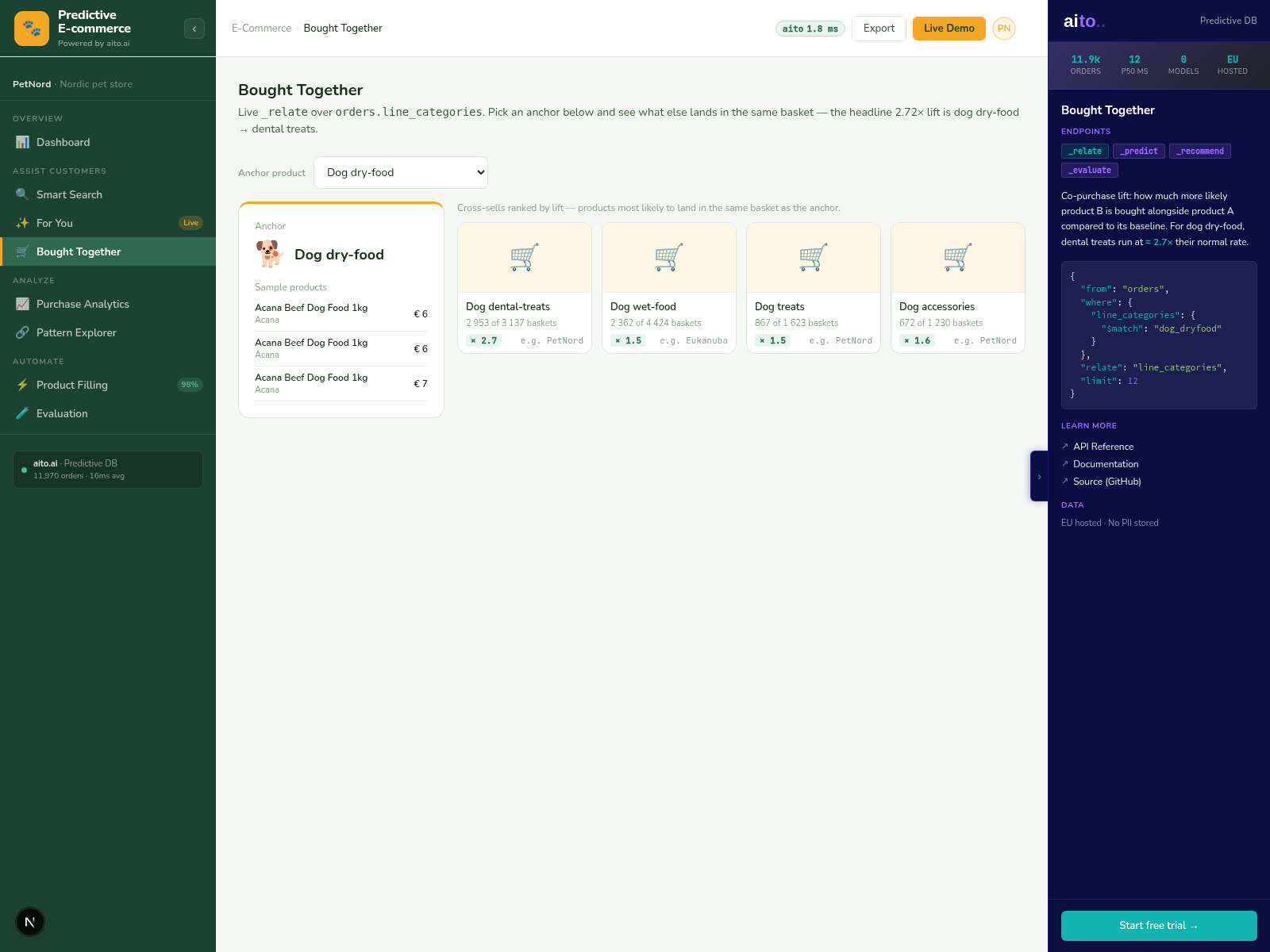
It replaces the demo's earlier Cart Completion view, which ran _relate over past baskets' categories; category pairs by lift are on Patterns.
For the full architecture, see the technology overview. For the broader narrative across multiple use cases, read The Predictive Application.
See it live
This use case runs in the 🛒 E-commerce demo today. Click through to the live application and inspect the queries that produce the result.